AJCloud App — Your Home, Always in Sight
Monitor your home anytime, anywhere with AJCloud. Real-time live view, instant motion alerts, two-way audio, and cloud storage — all in one free app for iOS, Android, and Windows.
Features
Everything You Need for Home Security
AJCloud App provides powerful features to keep your home safe and connected, all from your smartphone.
Real-Time Live View
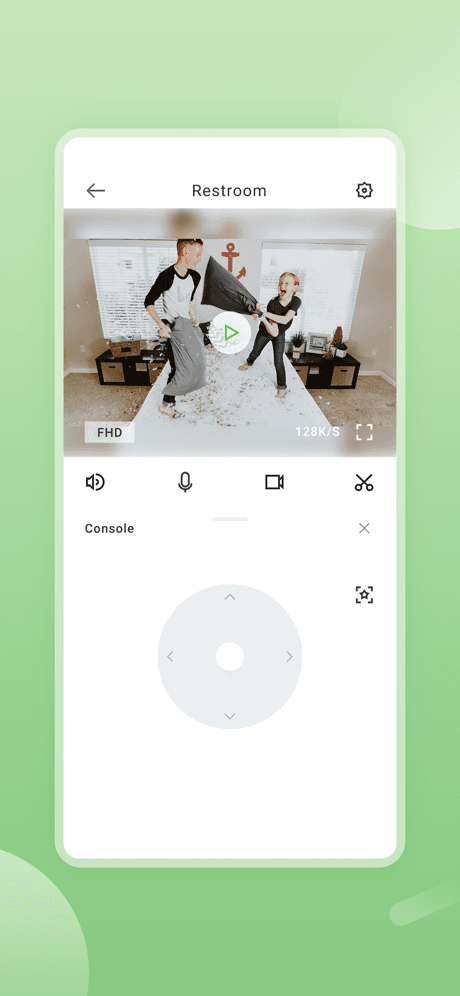
Watch your home in real-time from anywhere in the world. HD video streaming with low latency for instant peace of mind.
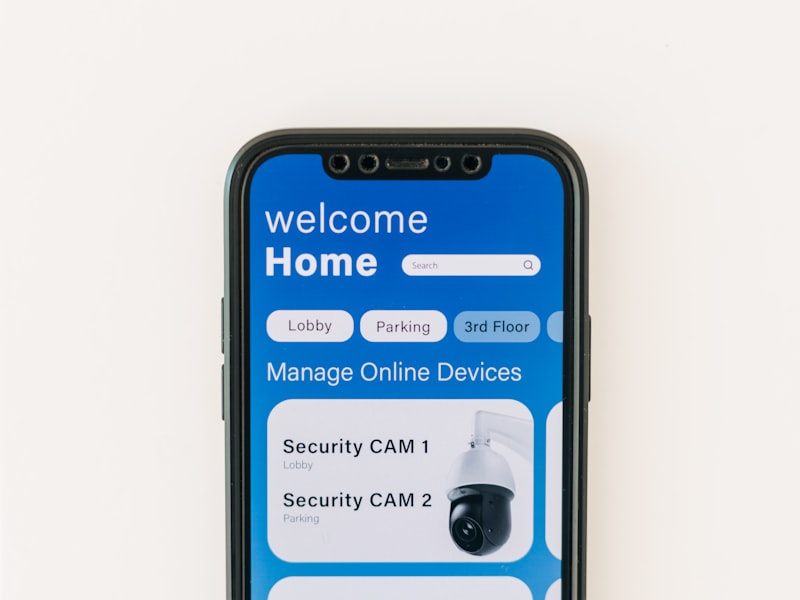
Smart Motion Detection
Get instant push notifications when motion is detected. Customize sensitivity zones and schedules to reduce false alerts.
Two-Way Audio
Talk to family members, greet visitors, or deter intruders with built-in two-way audio communication.

Night Vision
Crystal clear visibility even in complete darkness. Infrared night vision ensures 24/7 monitoring without blind spots.

Pan, Tilt & Zoom
Remotely control your camera's viewing angle. Pan 360°, tilt, and zoom to see every corner of your space.
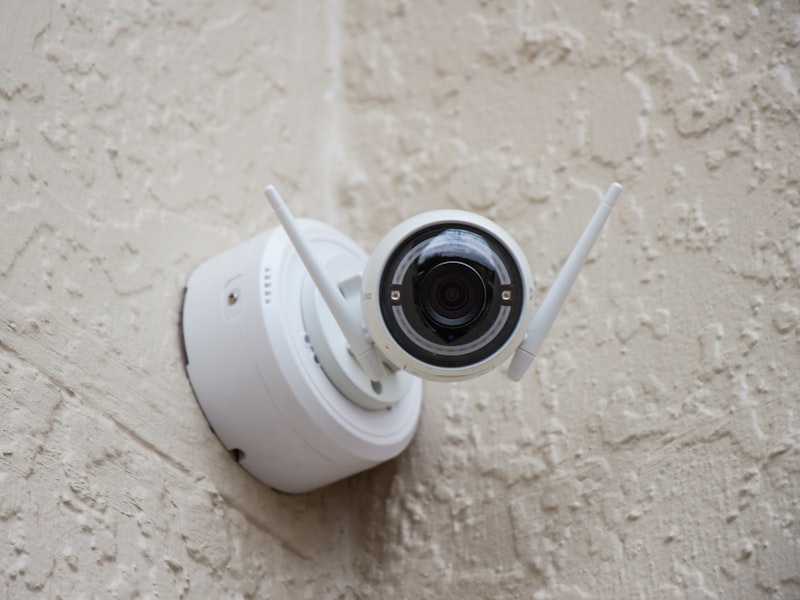
Cloud & SD Card Storage
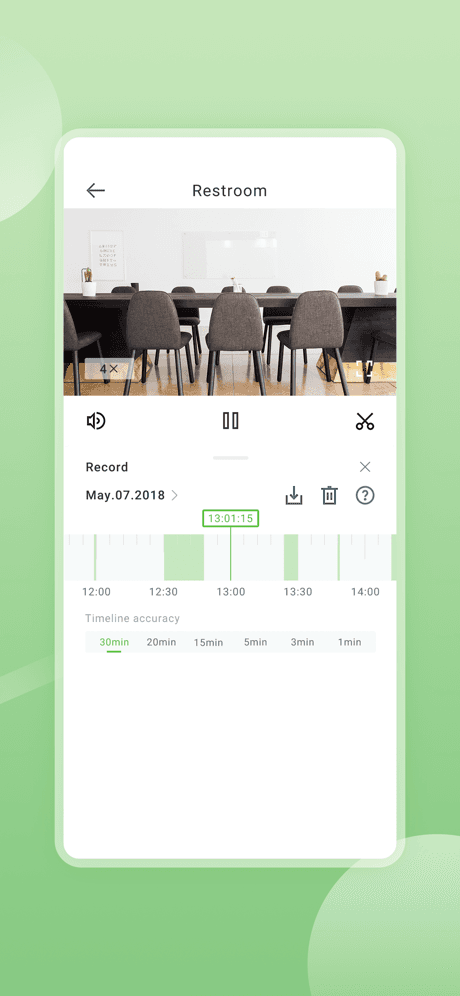
Store footage securely in the cloud or locally on SD card. Review and download recordings anytime with easy playback.
App Showcase
Powerful Features, Intuitive Interface
Explore the AJCloud app experience across live view, device management, playback, and more.
How It Works
Get Started in 3 Easy Steps
Setting up AJCloud takes just minutes. No technical expertise required.
Download & Install
Get AJCloud free from App Store, Google Play, or Microsoft Store. Create your account in seconds.
Add Your Camera
Scan the QR code on your camera or enter the device ID to connect. Works with WiFi and 4G cameras.
Start Monitoring
View live video, set up motion alerts, and share access with family members. Your home security is ready.
Use Cases
Security for Every Scenario
From home protection to business surveillance, AJCloud adapts to your needs.
Home Security
Protect your home 24/7. Get instant alerts when unexpected motion is detected and review footage anytime.
Baby Monitoring
Keep an eye on your little one from any room. Two-way audio lets you soothe your baby remotely.
Pet Watching
Check in on your furry friends while you're away. See what they're up to and talk to them through the app.
Business Surveillance
Monitor your office, store, or warehouse remotely. Manage multiple cameras and share access with your team.
Compatibility
Works on All Your Devices
AJCloud supports multiple platforms and is compatible with cameras from leading brands.
iOS 13.0+
Android 8.0+
Windows 10/11
Compatible Brands
Works with Wansview, Septekon, Faleemi, and 10+ other camera brands.
Supported Standards
ONVIF, RTSP, and Amazon Alexa compatible.
Help Center
Find Answers to Common Questions
Browse our comprehensive FAQ categories to find solutions, tips, and guidance for your AJCloud experience.
Testimonials
What Our Users Say

Sarah M.
iOS User
I've had my camera for about 6 months. I love this app for viewing the live feed from wherever I am. The picture quality is great in daytime and night vision is very clear.

James K.
Android User
Great app for monitoring my home while at work. The motion detection alerts are reliable and the two-way audio is crystal clear. Highly recommend!

Maria L.
iOS User
Using AJCloud as a baby monitor has been a game changer. I can check on my little one from any room and the night vision is excellent.

David R.
Windows User
I manage 4 cameras across my property. The multi-device view is incredibly useful. Cloud storage subscription is very reasonable.

Emily W.
iOS User
Perfect for watching my dogs while I'm at the office. The PTZ control lets me follow them around the yard. Love the sharing feature too!

Robert T.
Android User
Set up was incredibly easy - just scan the QR code and you're done. The app is intuitive and the live view quality is impressive.
Sarah M.
iOS User
I've had my camera for about 6 months. I love this app for viewing the live feed from wherever I am. The picture quality is great in daytime and night vision is very clear.
James K.
Android User
Great app for monitoring my home while at work. The motion detection alerts are reliable and the two-way audio is crystal clear. Highly recommend!
Maria L.
iOS User
Using AJCloud as a baby monitor has been a game changer. I can check on my little one from any room and the night vision is excellent.
David R.
Windows User
I manage 4 cameras across my property. The multi-device view is incredibly useful. Cloud storage subscription is very reasonable.
Emily W.
iOS User
Perfect for watching my dogs while I'm at the office. The PTZ control lets me follow them around the yard. Love the sharing feature too!
Robert T.
Android User
Set up was incredibly easy - just scan the QR code and you're done. The app is intuitive and the live view quality is impressive.

Lisa H.
iOS User
As a small business owner, I use AJCloud to monitor my shop after hours. The motion alerts give me peace of mind. Worth every penny.

Michael C.
Android User
Excellent app with a clean interface. Works perfectly with my Wansview cameras. The playback feature makes it easy to review past events.

Anna B.
iOS User
I shared access with my husband and parents. Now everyone can check on the house. The family sharing feature is so convenient.

Thomas P.
Android User
Good camera app that works reliably. I especially like the SD card playback feature - no subscription needed for basic recording.

Jennifer S.
iOS User
The 360° pan and tilt control is smooth and responsive. I can see every corner of my living room. Night vision is surprisingly clear.

Kevin D.
Windows User
Great to have a Windows desktop app too. I keep it running on my work computer for quick checks. Multi-platform support is a huge plus.
Lisa H.
iOS User
As a small business owner, I use AJCloud to monitor my shop after hours. The motion alerts give me peace of mind. Worth every penny.
Michael C.
Android User
Excellent app with a clean interface. Works perfectly with my Wansview cameras. The playback feature makes it easy to review past events.
Anna B.
iOS User
I shared access with my husband and parents. Now everyone can check on the house. The family sharing feature is so convenient.
Thomas P.
Android User
Good camera app that works reliably. I especially like the SD card playback feature - no subscription needed for basic recording.
Jennifer S.
iOS User
The 360° pan and tilt control is smooth and responsive. I can see every corner of my living room. Night vision is surprisingly clear.
Kevin D.
Windows User
Great to have a Windows desktop app too. I keep it running on my work computer for quick checks. Multi-platform support is a huge plus.
FAQ
Frequently Asked Questions
Start Monitoring Your Home Today
Download AJCloud for free and connect your camera in minutes. Available on iOS, Android, and Windows.
- Free Download
- No Ads
- Secure & Private